





Google Sheets でSage 200 に接続
Google Sheets からSage 200 データの読み取り、書き込み、更新が可能
Google Sheets から直接Sage 200 のライブデータに接続できます。無料のGoogle Sheets アドオンで、Sage 200 データにリアルタイムでアクセスできます。
アドオンをインストールして、Sage 200 への接続を設定するだけですぐに使えます!
Google Sheets アドオンを今すぐ入手


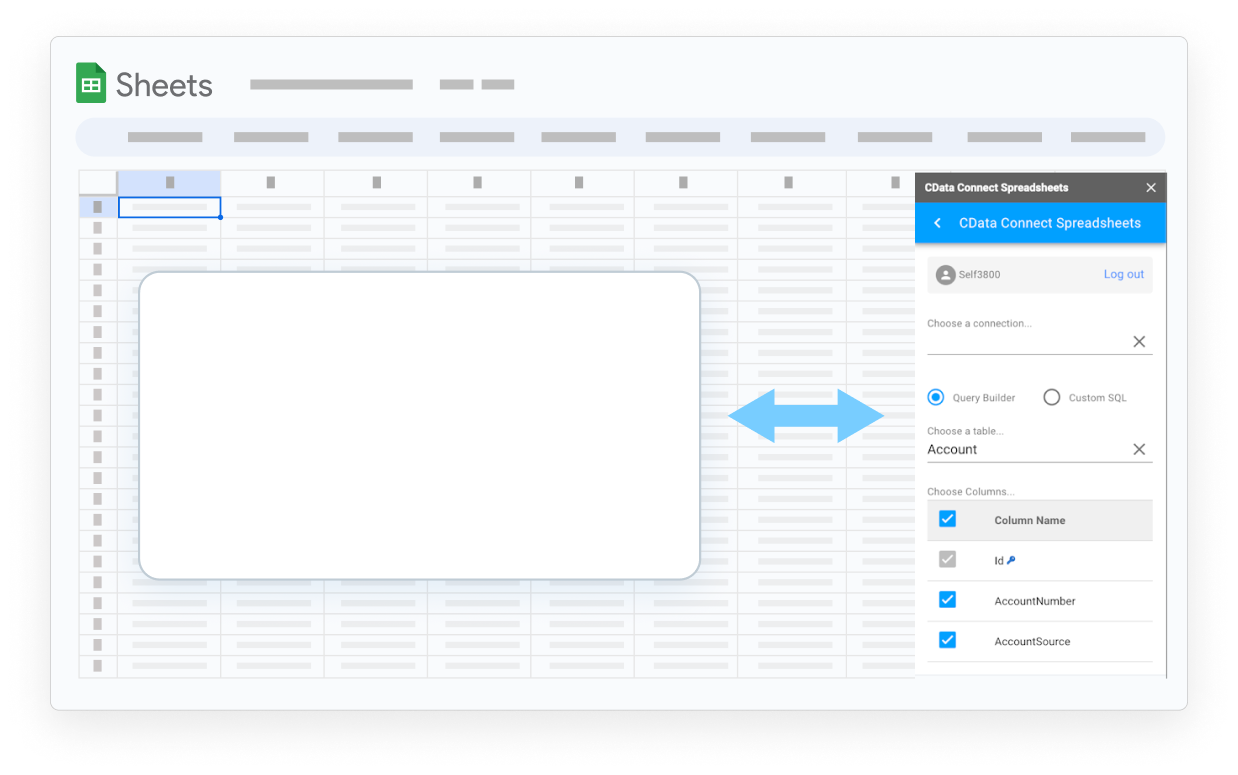

Google Sheets でSage 200 データを活用

コピー&ペーストとはお別れ
リアルタイムでシームレスなデータアクセスにより、Google Sheets への手動データ入力の手間を省きます。
古いデータに頼らない
Google Sheets でライブデータを使用して、最新のレポートを作成できます。

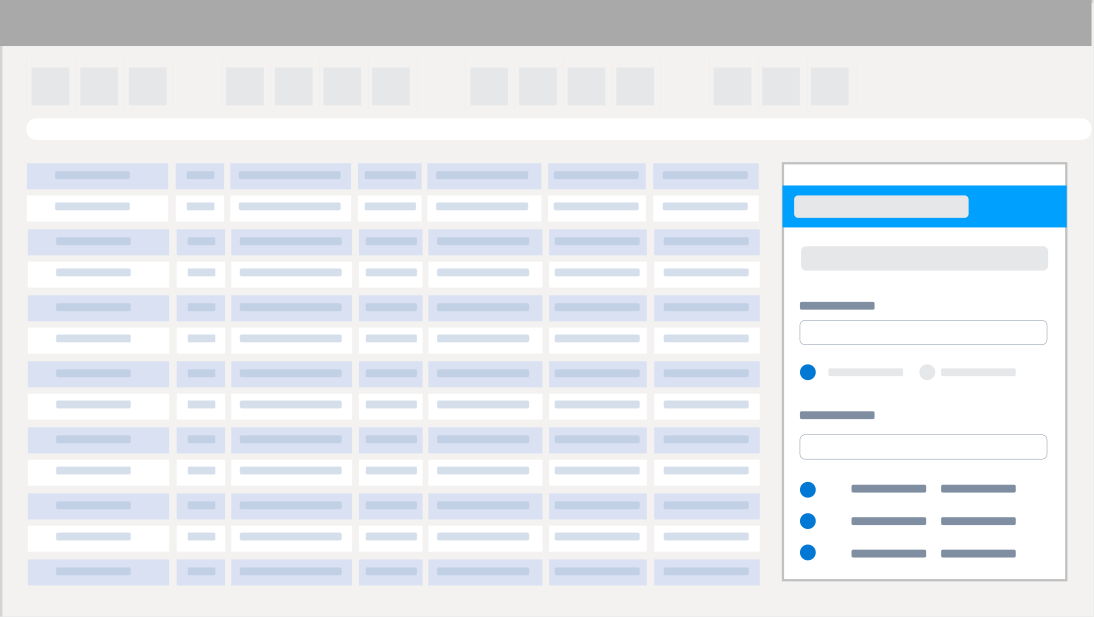
ポイント&クリックで設定
コードや特別なスキルは不要で、データを統合し接続を管理できます。

セキュアなアクセス
特定のユーザー権限と組み込みのTLS / SSLデータ暗号化でデータを安全に管理します。
Google Sheets からSage 200 データにリアルタイムアクセス
Sage 200 を3つの簡単なステップで始めましょう:
- Google Sheets アドオンをインストール - インストール後、拡張機能のドロップダウンメニューからConnect Spreadsheets を探してください。
- Sage 200 への接続を設定 - Google Sheets 内からOpen Connect Spreadsheets をクリックして、アカウントを設定し、Sage 200 への接続を構成します。
- 最初のクエリを実行 - アクセスしたいSage 200 データを選択します。すべてのデータは標準テーブルとデータビューとして公開されます。SQL でカスタムクエリを作成してデータをフィルタリングしたり、結合したりすることもできます。
ワークフローを自動化
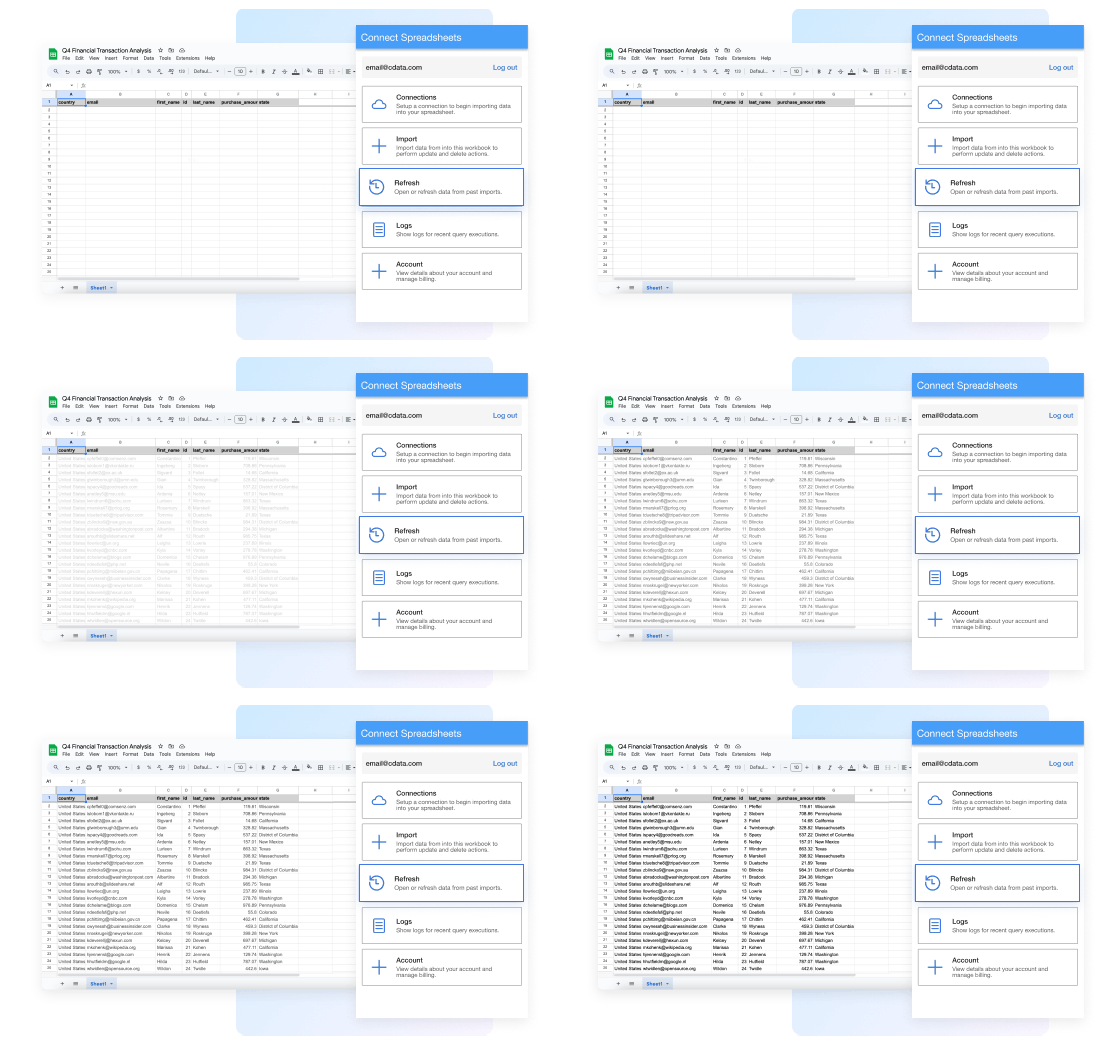
データのコピー、貼り付け、インポートにかかる時間を削減します。自動更新(毎時、毎日、毎週、毎月)でカスタムレポートやダッシュボードを構築し、リアルタイムのインサイトを取得できます。
Google Sheets でデータを活用
Connect Spreadsheets でSage 200 データをGoogle Sheets に取り込み、最新のインサイトを取得できます。他のソースからのデータとGoogle Sheets で簡単に組み合わせて、カスタマージャーニーの全体像を把握できます。
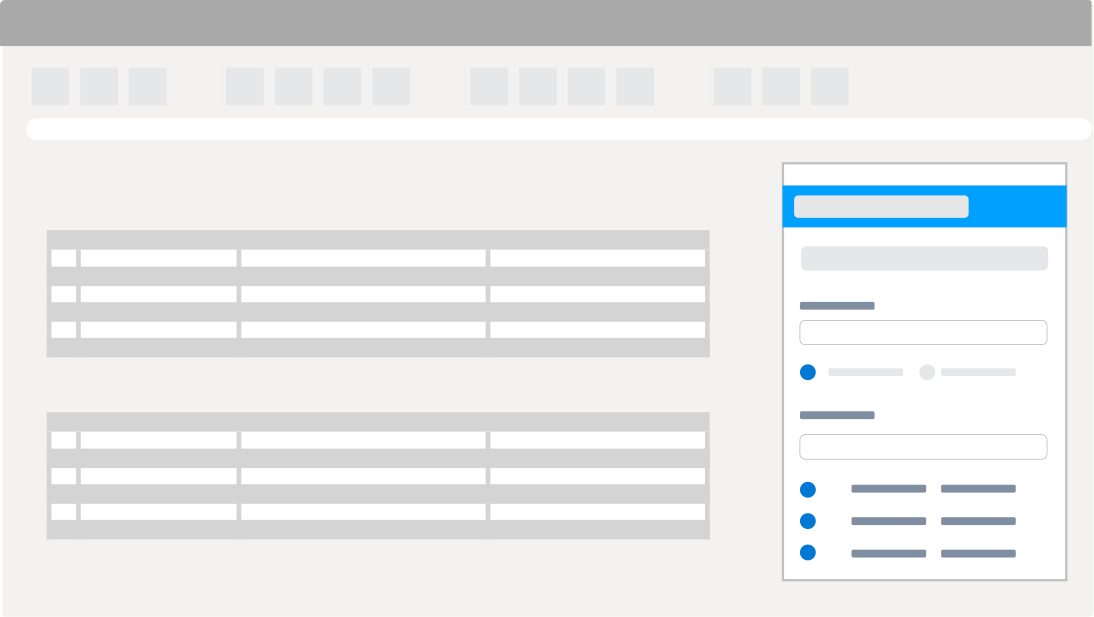
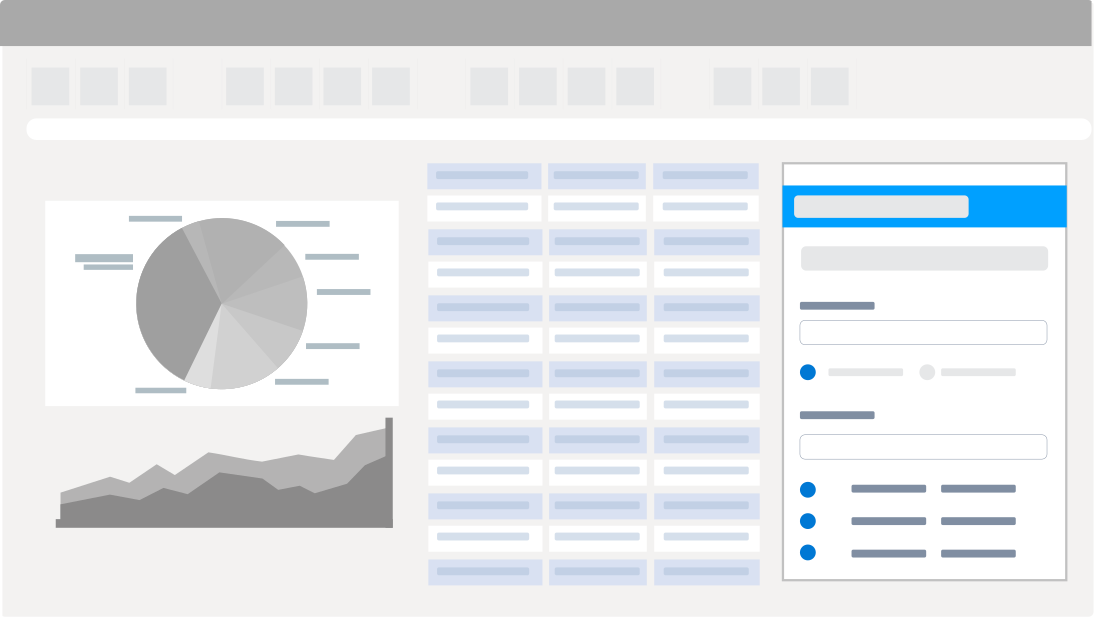
Sage 200 レポート、分析、データ操作
大量のインポート/エクスポート/更新、データクレンジング&重複排除、Google Sheets ベースのデータ分析など多くの機能があります!
- レコードの変更・削除、Sage 200 への更新のプッシュ
- データの素早いエクスポートとバックアップ
- チャートやピボットテーブルでデータを操作
Sage 200 Google Sheets 接続に関するよくある質問
Sage 200 とGoogle Sheets の連携に関するよくある質問です。
Sage 200 を Google Sheets に接続するにはどうすればよいですか?
The best way to integrate Sage 200 with Google Sheets is by using the CData Connect AI for Spreadsheets Google Sheets Extension. Sage 200 と Google Sheets を連携する最良の方法は、CData Connect Spreadsheets Google Sheets 拡張機能を使用することです。 Sage 200 Google Sheets コネクタは、簡単な Sage 200 Google Sheets 連携を提供します。使いやすいクラウドインターフェースから Sage 200 への接続を設定し、スプレッドシートから直接 Sage 200 データにアクセスできます。
Sage 200 を Google Sheets にエクスポートできますか?
The best way to integrate Sage 200 with Google Sheets is by using the CData Connect AI for Spreadsheets Google Sheets Extension. Sage 200 と Google Sheets を連携する最良の方法は、CData Connect Spreadsheets Google Sheets 拡張機能を使用することです。 Sage 200 Google Sheets コネクタは、簡単な Sage 200 Google Sheets 連携を提供します。使いやすいクラウドインターフェースから Sage 200 への接続を設定し、スプレッドシートから直接 Sage 200 データにアクセスできます。
Sage 200 を Google Sheets にエクスポートできますか?
The best way to integrate Sage 200 with Google Sheets is by using the CData Connect AI for Spreadsheets Google Sheets Extension. Sage 200 と Google Sheets を連携する最良の方法は、CData Connect Spreadsheets Google Sheets 拡張機能を使用することです。 Sage 200 Google Sheets コネクタは、簡単な Sage 200 Google Sheets 連携を提供します。使いやすいクラウドインターフェースから Sage 200 への接続を設定し、スプレッドシートから直接 Sage 200 データにアクセスできます。
Google Sheets から Sage 200 データを編集できますか?
CData の連携により、Google Sheets から Sage 200 データへのライブの双方向アクセスが可能になります。スプレッドシートにライブデータを簡単に取り込み、変更を加え、 Sage 200 に更新をプッシュできます — Google Sheets を離れることなく。編集されたセルは ソースデータとの違いを示すために自動的にハイライトされます。準備ができたら、行を更新ボタンをクリックして 変更を同期します。
無料トライアルはありますか?
もちろんです。すべての CData 製品で無料トライアルをご利用いただけます。 CData Connect Spreadsheets Google Sheets アドオンの場合、すべてのアカウントは 無制限のProプランの 15 日間無料トライアルから始まります。Pro プランには、プラットフォームのすべての強力な機能と能力への無制限のアクセスが含まれます。 15 日間のトライアル期間後、製品を購入して Pro レベルを継続するオプションがあります。または、アカウントは自動的にForever-Freeプランにダウングレードされます。 無料プランは無期限で継続して使用できますが、クエリあたり 5,000 レコード、1 ユーザー、3 データソース、月間 50 クエリに制限されます。
今すぐトライアルを開始: 無料 Sage 200 Google Sheets アドオン。
Sage 200 用Google Sheets アドオンを入手
ライブのSage 200 データに接続するカスタムダッシュボードやレポートの構築がこれまで以上に簡単になりました。今すぐ を入手して接続しましょう。