



Excel Add-In for Google Cloud Storage
Excel でGoogle Cloud Storage を自在に連携利用
Google Cloud Storage Excel Add-In は、Microsoft Excel からライブなGoogle Cloud Storage データに直接接続できる強力なツールです。 Excel を使用して、Google Cloud Storage のバケットやオブジェクトなどにアクセスできます。Excel での一括エクスポート、データ分析などに最適!
アドインをインストールし、Google Cloud Storage 接続を設定するだけですぐに使えます!




Google Cloud Storage のデータ を、あなたの方法で!
Excel Add-In for Google Cloud Storage は、Google Cloud Storage のデータ に接続する最も簡単な方法を提供します。接続ウィザードで認証情報を入力するだけで接続を作成でき、すぐにリアルタイム Google Cloud Storage データのテーブルを操作できます。Excel アドインは完全に独立しており、追加のソフトウェアインストールは不要です。
Excel から Google Cloud Storage データに直接アクセス
ダイレクトアクセス
Excel からリアルタイム Google Cloud Storage のデータ へのダイレクトアクセス
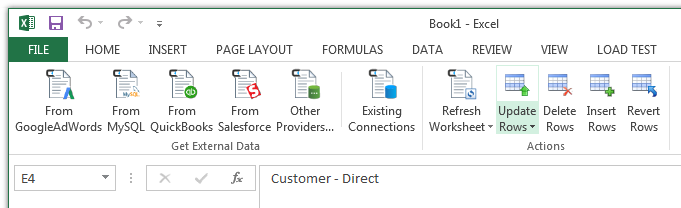
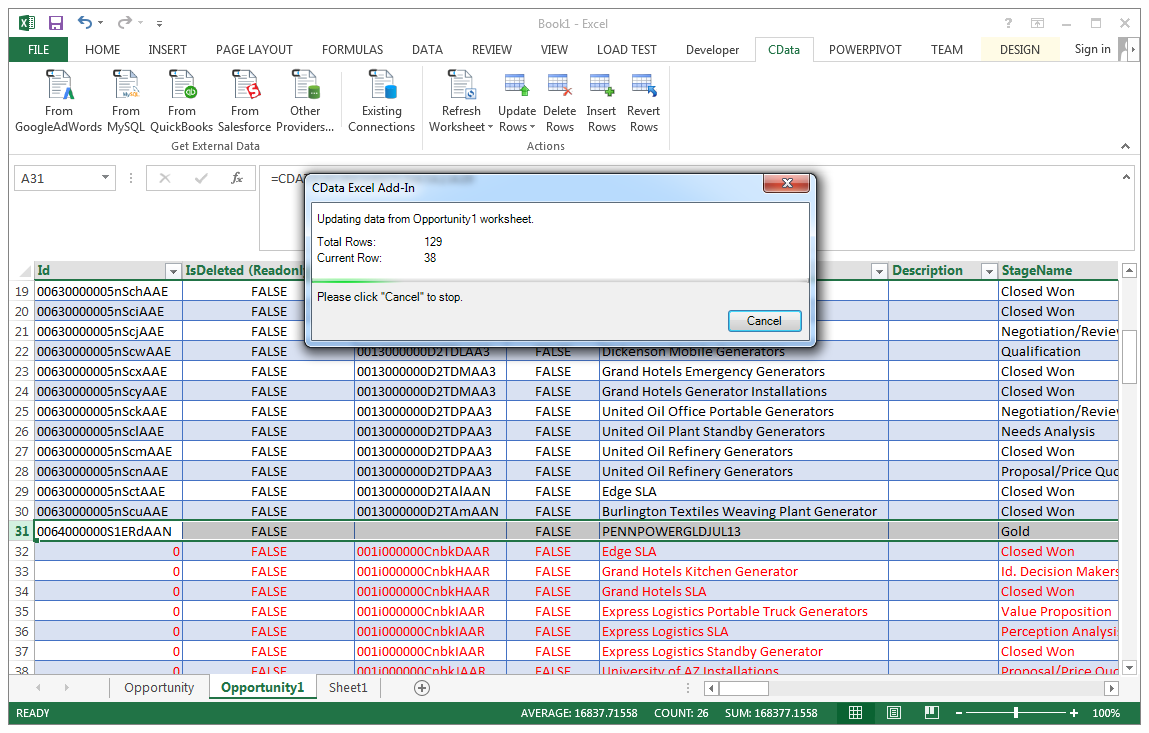
Excel Add-In for Google Cloud Storage は Excel のツールバーとリボンに統合されており、ワンクリックでリアルタイムデータに直接アクセスできます。
セットアップ
使いやすく、シンプルな設定
- アドインをインストール
- ユーザー名とパスワードでログイン
- テーブルを選択
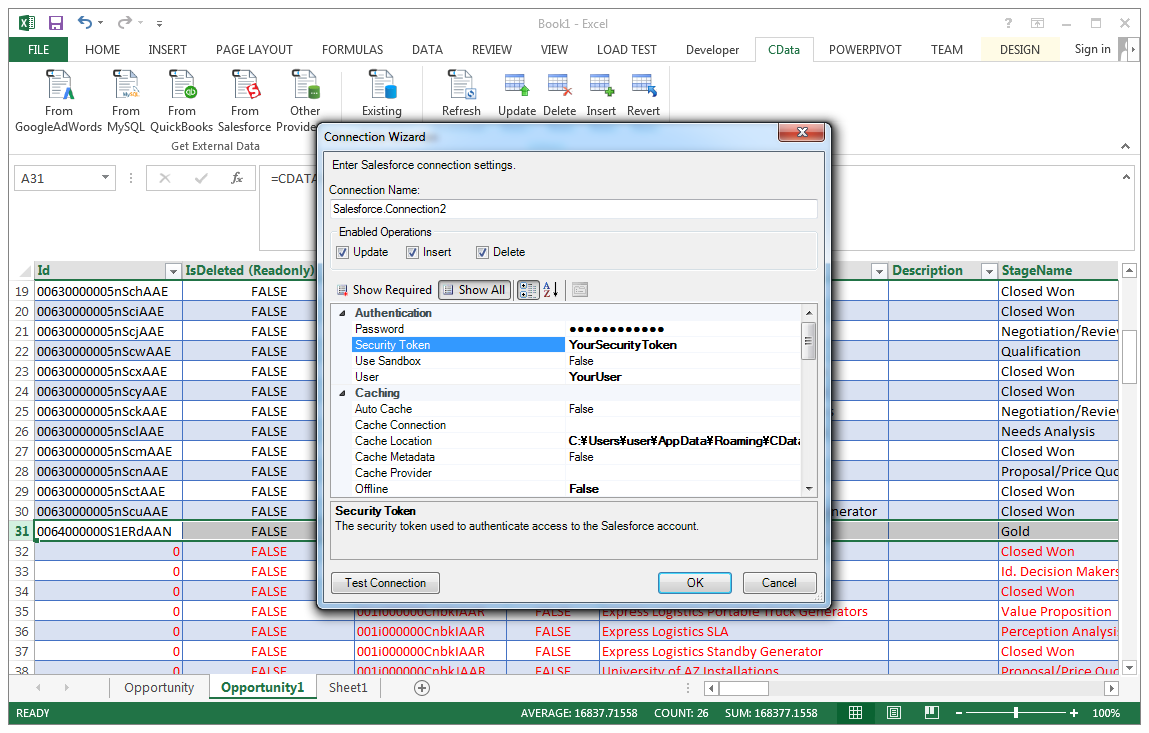
CData Google Cloud Storage Excel アドインをインストールすると、Excel に専用ツールバーが作成され、Google Cloud Storage データへの即時アクセスが可能になり、データ分析とレポート作成が迅速化されます。Excel ツールバーから、インストールされている CData アドインを選択して接続を設定できます。
データの選択
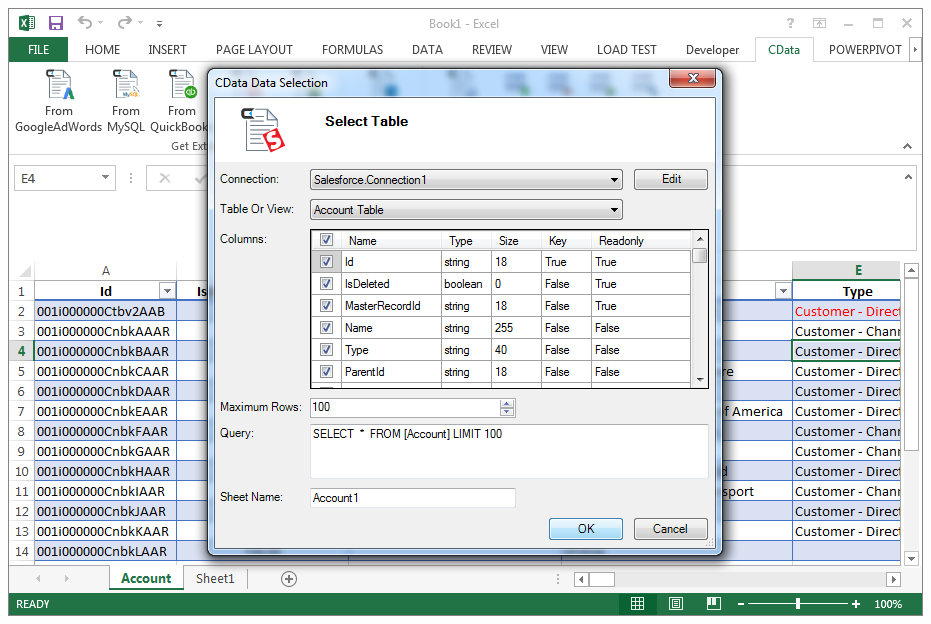
テーブルと列を選択
データ接続を設定したら、テーブルを指定するだけで、Excel アドインが新しい Excel シートにリアルタイム Google Cloud Storage のデータ を入力します。
データ分析
Excel のフルパワーで Google Cloud Storage のデータ を活用
大量インポート、データクレンジングと重複排除、Excel ベースのデータ分析などに最適です!
- データの高速エクスポートとバックアップ
- グラフやピボットテーブルでデータを操作
FAQs
Google Cloud Storage Excel 接続に関するよくある質問
Google Cloud Storage と Microsoft Excel の連携に関する一般的な質問。
人気の Excel 動画:

Google Cloud Storage Excel アドインをダウンロード
リアルタイム Google Cloud Storage データに接続するカスタムダッシュボードやレポートの作成がこれまでになく簡単になりました。CData Excel Add-In for Google Cloud Storage を今すぐダウンロードして接続しましょう。